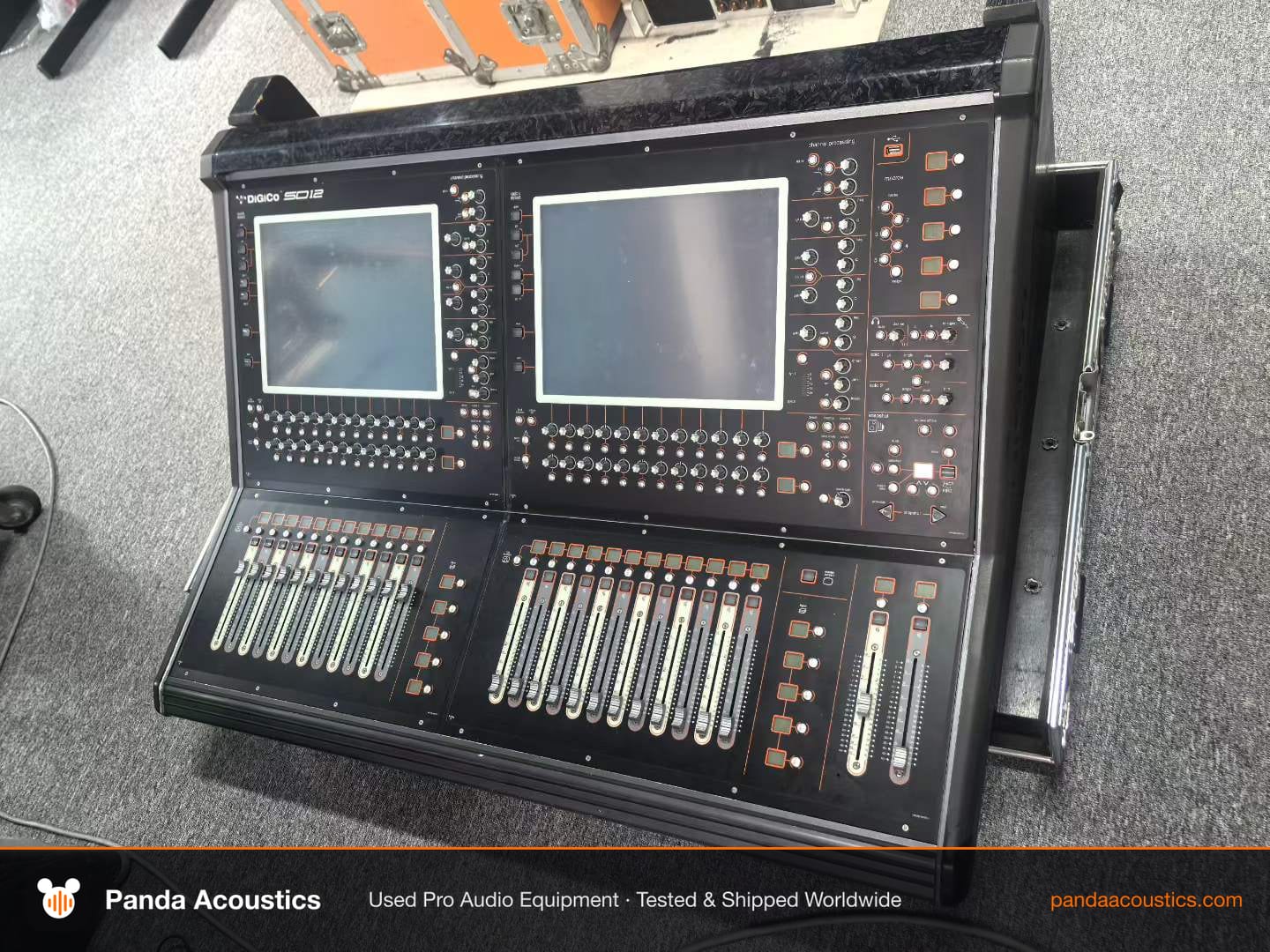
If you are searching for a DiGiCo SD12 used for sale, you already know what the console is supposed to do: 96 input channels, a compact work surface, and the DiGiCo workflow that touring engineers trust. The question is not whether the SD12 is a capable desk. The question is whether the specific unit in front of you has been looked after, and whether the seller can prove it. This guide is written for operators buying in volume across Russia, the Middle East, South America and Africa, where freight is expensive and returns are painful.
Why the SD12 ends up on the used market
The SD12 sits in a useful middle ground. It is small enough for a club or a mid-size KTV install, but it carries the processing and routing depth of a touring console. That means two things for a used buyer. First, rental and touring companies upgrade to larger surfaces and release SD12s that have travelled hard. Second, venues that bought an SD12 for a fixed install may sell a lightly used unit when they expand or close. These two sources produce very different consoles, so ask the seller directly which one you are looking at. A rack-mounted install unit and a road-case touring unit should be inspected differently.
What to verify before you pay
Start with the physical surface. On the SD12, the faders, encoders and touchscreen take the most abuse. Ask for close-up photos of every fader bank and a short video showing faders moving smoothly across their full travel. Sticky or noisy faders are a real cost to fix, and they tell you how the console was treated. Check the touchscreen for dead spots and scratches, and confirm the screen responds across its full area, not just the centre.
Then move to the back panel and the I/O. Confirm every analogue input and output works, not just the ones the seller happened to test. Ask for a channel-by-channel test report or a video walkthrough. If the console uses option cards or a Dante or MADI card, confirm those cards are included in the sale and that they are recognised by the console. Cards are often pulled before sale, and a console sold without its cards may cost more to complete than expected.
Software and licensing matter. Ask which firmware version is installed and whether the console has any licensed options enabled. If the seller cannot confirm the licence state, treat that as an open question to resolve before payment, not after.
Testing the console properly
A bench test is not enough. Ask the seller to run a signal through a representative number of inputs, route it through groups and auxes, and record the result. If you cannot test in person, request a live video call where the seller patches a source, moves a fader, and shows the meter responding. This is the single most useful thing you can ask for when buying remotely.
Check the console's internal diagnostics if the seller can access them, and ask whether the unit has any known faults. A honest seller will tell you about a noisy fan or a worn fader. A seller who claims a used touring console is flawless is telling you something about themselves, not the equipment.
How the SD12 compares with alternatives
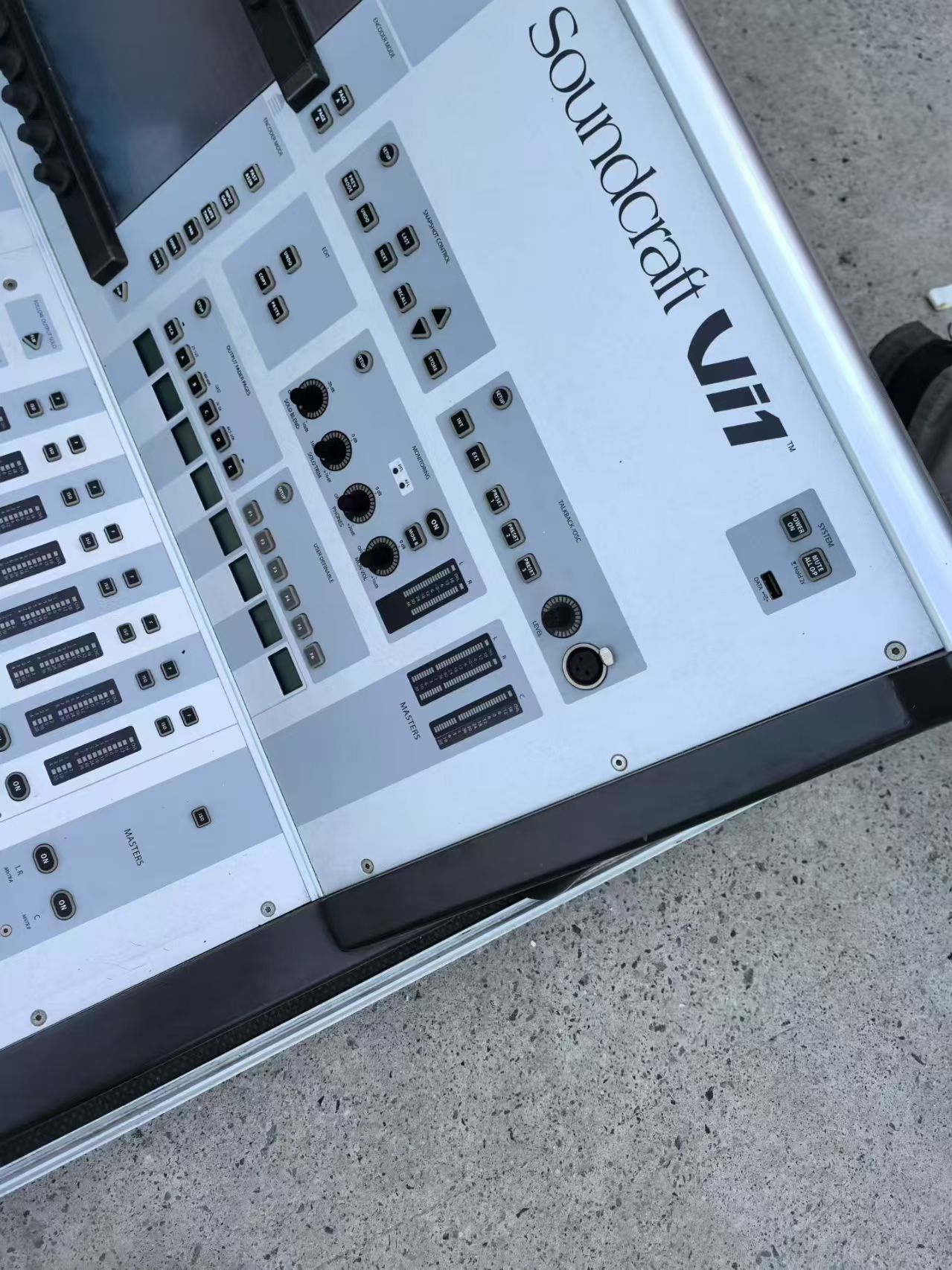
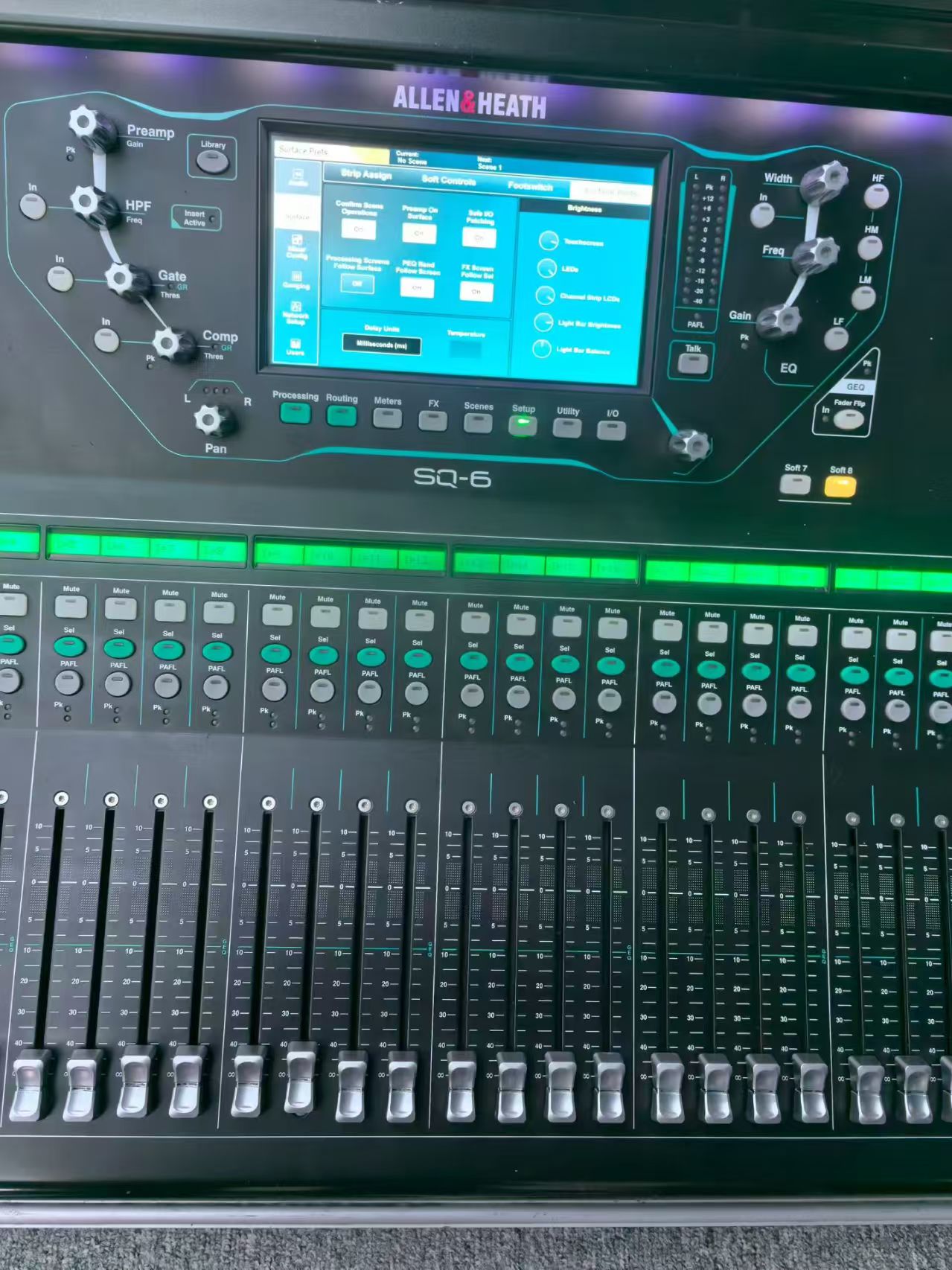
If the SD12 is out of reach or the unit does not check out, look at the Allen & Heath SQ-6 for smaller rooms, or the Soundcraft Vi1 if your engineers already know that workflow. Our SQ-6 vs Vi1 comparison and the used digital console rankings are useful starting points. For a broader view of the category, read the used digital mixing consoles guide.
Shipping, power and support
Confirm the voltage configuration and plug type the console ships with, and check that it matches your venue. Ask how the console will be packed: a proper flight case or original packaging, with the surface protected. For international freight, confirm who handles customs and what documentation is included. None of this is glamorous, but it is where used purchases go wrong.
Finally, ask what support the seller offers after the sale. Whether that is a setup walkthrough, spare parts sourcing, or access to a technician, it matters more than a glossy listing. If you want to see the current SD12 listing and ask these questions directly, start on the DiGiCo SD12 product page or contact us with your venue type and channel count.