If you are sourcing second hand Pioneer CDJ-350 units for KTV rooms, bars, or rental fleets, you already know this model is a workhorse. It is not the newest player on the market, but it is simple, reliable, and easy to repair. The challenge is finding units that have not been abused in a club environment. This guide covers what to inspect, what to avoid, and how to negotiate when buying in volume.
Why the CDJ-350 Still Makes Sense for Volume Buyers
The CDJ-350 is a compact media player that reads USB drives and CDs. It lacks the large touchscreen and advanced performance features of the CDJ-2000 or CDJ-3000, but for KTV and background music applications, it does the job. The buttons are physical, the layout is familiar, and replacement parts are still available in the secondary market. For operators in Russia, the Middle East, South America, and Africa, the CDJ-350 offers a low-cost way to equip multiple rooms or venues without committing to a full digital rider.
However, because these units are often retired from touring or club installs, condition varies widely. A batch of ten units might have three that need new cue buttons, two with worn jog wheels, and one with a faulty USB port. Your job as a buyer is to filter out the problem units before they leave the seller's warehouse.
Key Inspection Points Before You Buy
Never rely on photos alone. Ask for a video call or a detailed inspection report. The most common issues on used CDJ-350s are:
Jog wheel play: The jog wheel should rotate smoothly with no wobble. Excessive play indicates worn bearings or a bent shaft. This affects cueing and scratching, which matters if the unit is used for DJ performance.
Cue and play buttons: These are the first to fail. Press each button multiple times. It should respond immediately with a firm click. Mushy or unresponsive buttons need replacement, which is a simple soldering job but adds to your cost.
USB and CD slots: Test both. Insert a USB drive and a CD. The unit should read them quickly and play without skipping. A dirty or misaligned laser will cause read errors. USB ports can wear out from repeated plugging.
Display and backlight: Check for dead pixels or dim backlight. The display is not user-replaceable without soldering, so a failing screen is a deal-breaker unless you have a repair channel.
Audio outputs: Connect to a mixer and check both RCA and digital outputs. Listen for hum, distortion, or channel imbalance. This can indicate failing op-amps or capacitors.
Power supply: The CDJ-350 uses an external power adapter. Ensure the correct adapter is included and that it does not overheat. Missing adapters are common; factor in the cost of replacements.
How to Verify Seller Claims
Many sellers claim units are "tested" or "fully working." Ask for specifics. A reputable seller will provide a test report showing serial numbers, test date, and the results of each check. If they cannot, assume the units are untested. For volume purchases, request a sample unit first. Test it yourself or have a technician inspect it. If the sample passes, negotiate a batch price with the condition that all units meet the same standard.
Also ask about the history. Units from fixed installations (KTV rooms, bars) tend to be less abused than those from touring companies. But they may have been running for long hours. Units from rental fleets may have cosmetic damage but better maintenance records.
Pricing Factors and Negotiation
Do not expect a fixed price list. Used CDJ-350 prices depend on condition, quantity, and accessories. A unit with the original box, power adapter, and manual will cost more. A batch of ten units with mixed condition will cost less per unit. When negotiating, focus on the total cost of ownership. If you need to replace cue buttons on half the units, that labor and parts cost should be reflected in the price. Ask the seller to include a few spare parts or adapters as part of the deal.
Be wary of deals that seem too good. If the price is significantly lower than other quotes, there is likely a reason. Either the units are in poor condition, or they are stolen. Always ask for proof of origin and serial numbers. Cross-check serial numbers with local authorities if you have doubts.
Integrating CDJ-350s into Your Existing System
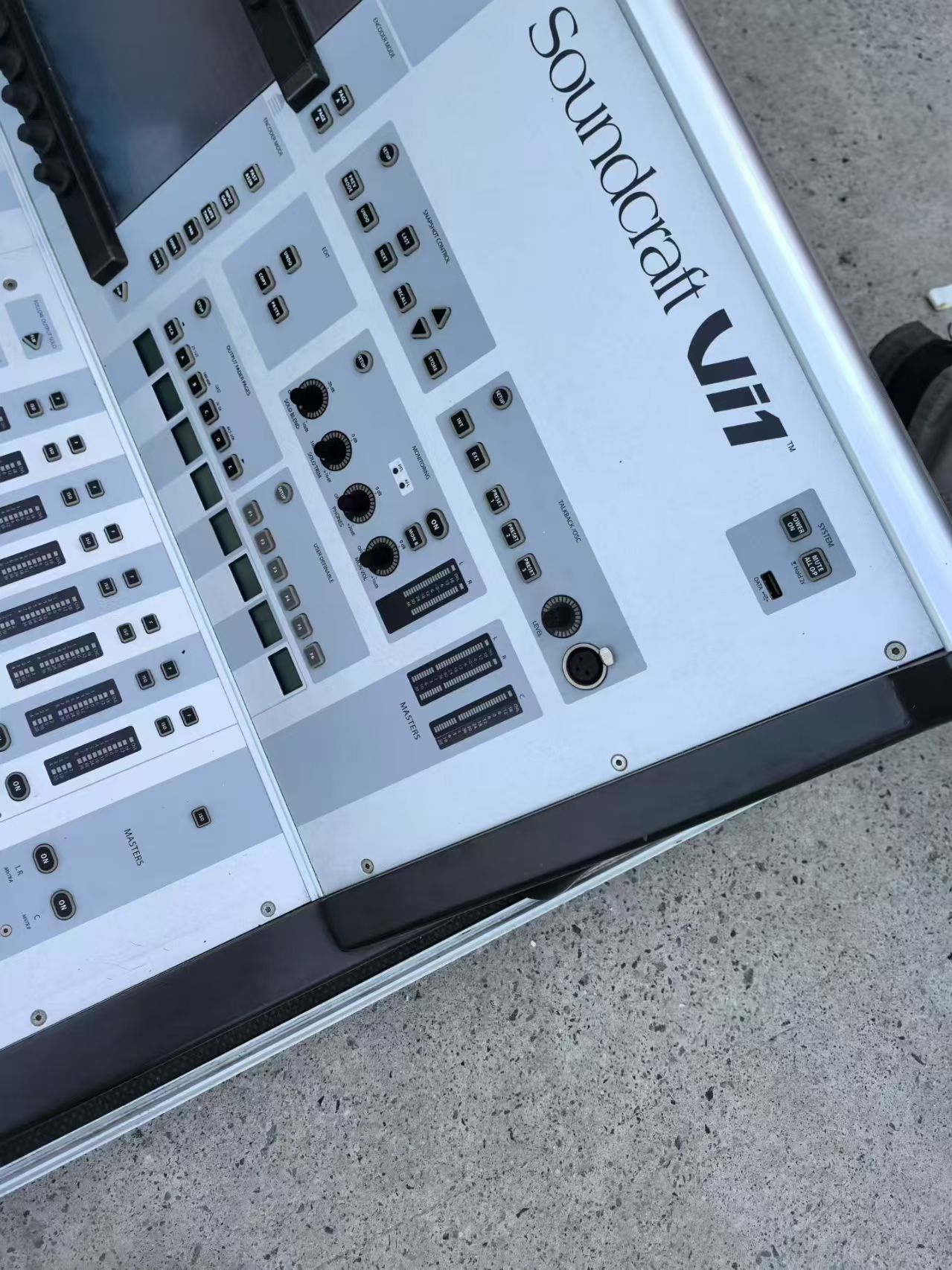
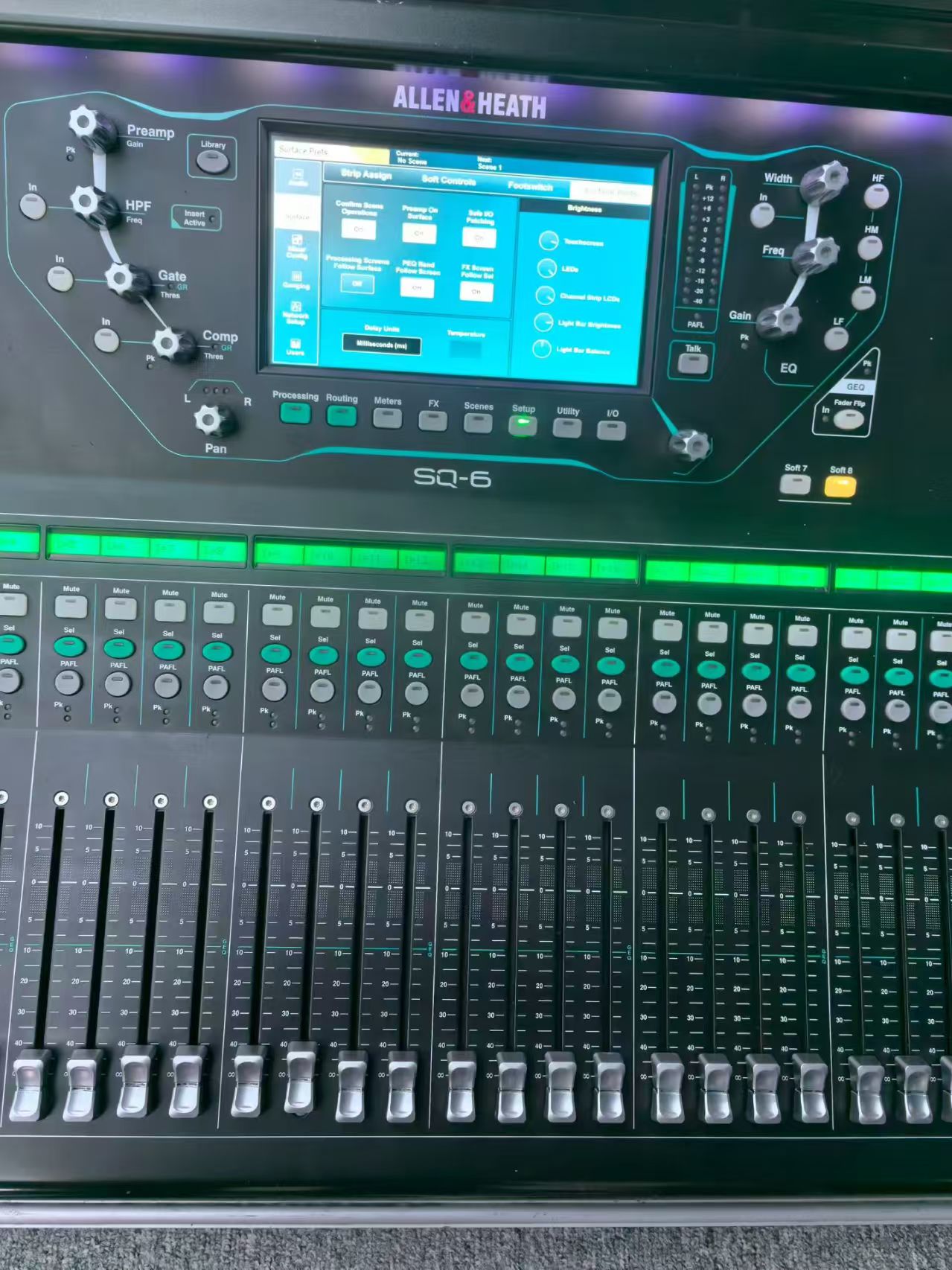
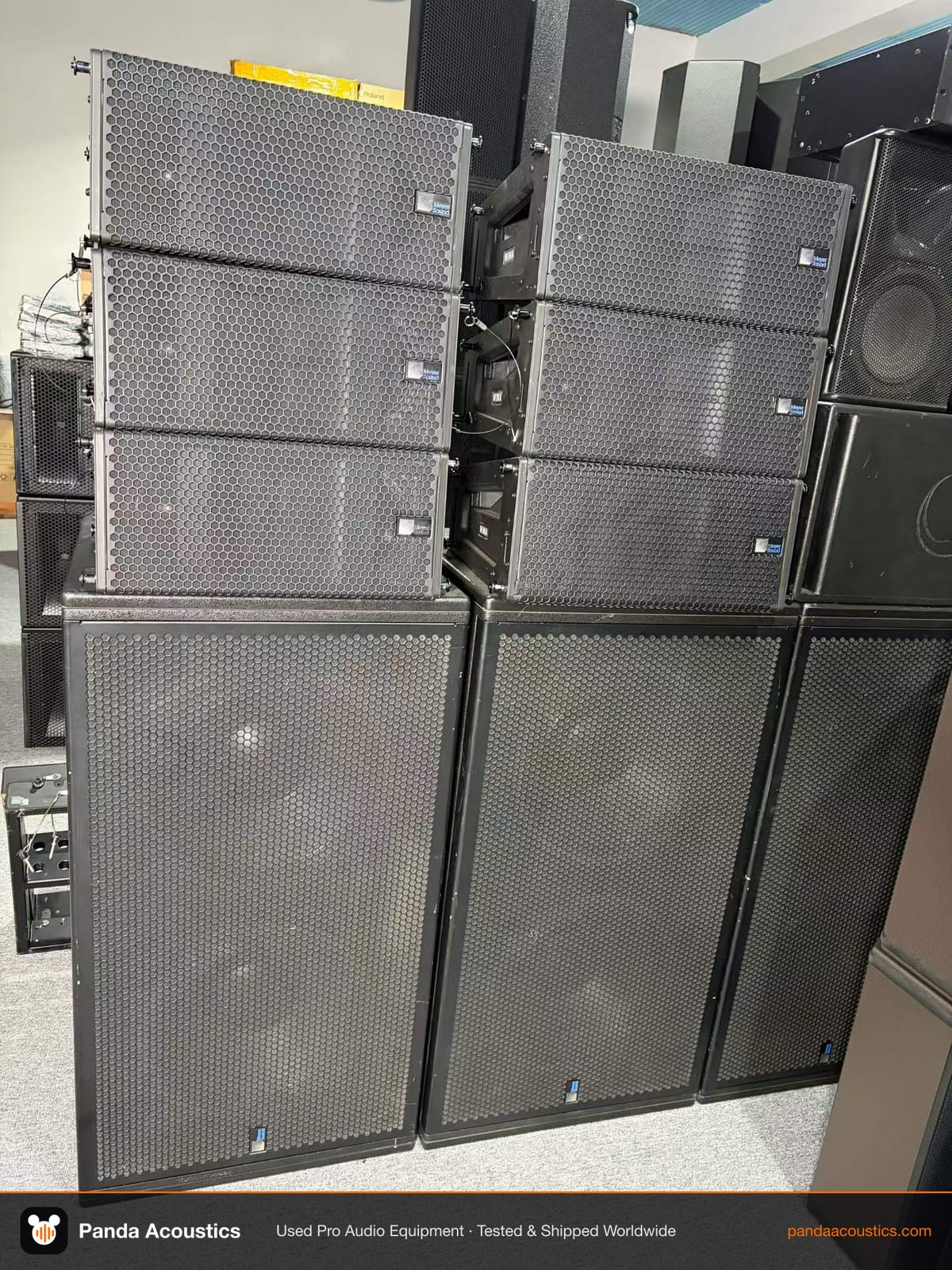
The CDJ-350 outputs analog RCA and digital coaxial. It does not have XLR outputs, so you will need a mixer with RCA inputs or DI boxes for long cable runs. For KTV systems, pair them with a digital mixer like the Allen & Heath SQ-6 or Soundcraft Vi1. For larger venues, you might combine them with a line array system such as the Meyer Sound MINA or L-Acoustics KS28 subwoofer. But remember, the CDJ-350 is a source device; it will not compensate for poor speakers or amplifiers.
If you are building a complete system, consider the signal chain. The CDJ-350 is best suited for smaller rooms where its analog outputs are sufficient. For touring or large clubs, you may want to step up to the CDJ-2000 Nexus or CDJ-3000, which offer better connectivity and reliability. But for budget-conscious operators, the CDJ-350 remains a viable option.
Where to Find Second Hand CDJ-350 Units
Sources include online marketplaces, local dealers, and B2B suppliers like Panda Acoustics. When buying from overseas, factor in shipping, customs duties, and voltage compatibility. The CDJ-350 power adapter is usually 100-240V, so it works in most regions, but confirm before you buy. Also check plug types; you may need adapters.
For more detailed inspection checklists, see our guide on used Pioneer CDJ-350 for sale. If you are considering other Pioneer models, we have guides on the CDJ-900 and CDJ-2000 Nexus.
Before you commit to a bulk order, test a sample. If you need advice on specific units, contact our team. We can help you source tested used equipment that matches your budget and technical requirements.