Speaker management is the part of a PA system that sits between your mixer and your amplifiers and decides what each loudspeaker is allowed to do. It splits the signal into frequency bands, applies limiter protection, sets delay so boxes in a line array arrive in time, and applies EQ correction for the cabinets you actually own. If you run KTV rooms, a club, or a touring rig, a proper management unit is not optional. Without one you are sending full-range signal into drivers that were never designed for it, and you will replace those drivers.
This article is for buyers who are about to spend money on used speaker management hardware. It covers what the unit must do, how to match it to your amps and cabinets, what to inspect before purchase, and where used gear usually fails.
What a Speaker Management Unit Must Do
A usable unit needs at least these blocks: input EQ and gain, crossover with adjustable slopes and filter types, per-output parametric EQ, per-output delay, and a limiter on every output. Anything less and you are working around the box instead of with it.
Two things separate professional units from budget ones. First, the filter resolution: you want parametric EQ with enough bands and enough gain range to correct real cabinets, not a fixed set of presets. Second, the limiter behaviour. A limiter that only looks at average level will let transients through and cook a compression driver. Look for peak limiting with adjustable attack and release, and verify that it works during your test.
Presets matter more than most buyers expect. If the unit lets you store and recall per-venue presets, your KTV rooms and your club room can share one rack unit and switch cleanly between setups. Units without preset memory force you to re-dial every time, which is how mistakes happen at 1 a.m.
Matching Management to Your Cabinets and Amps
The manager must match your amplifier channels and your loudspeaker count. Count your real outputs before you shop: a stereo three-way system with subs can easily need six to eight outputs. Buying a four-output unit for an eight-output system is a common and expensive mistake.
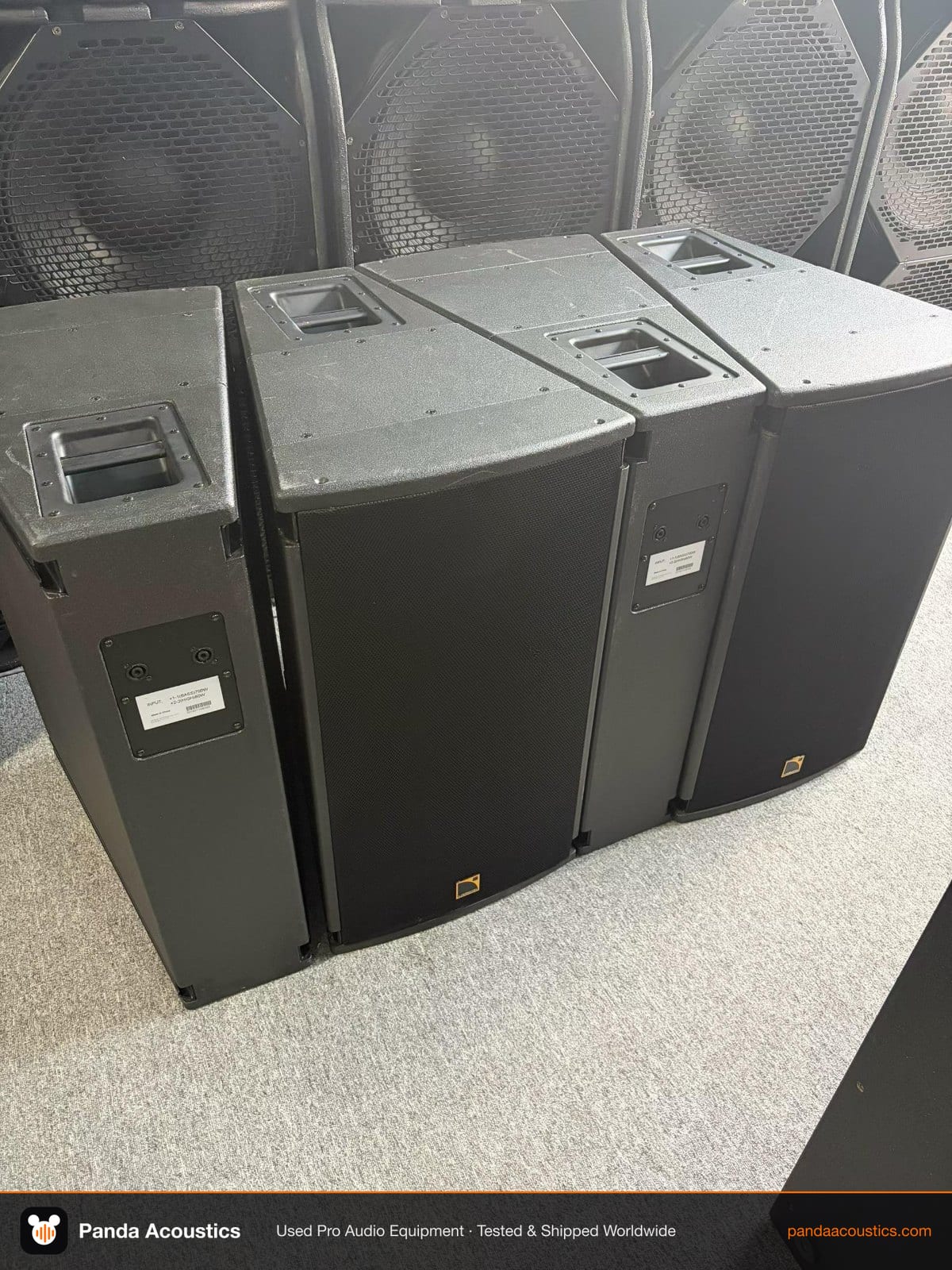
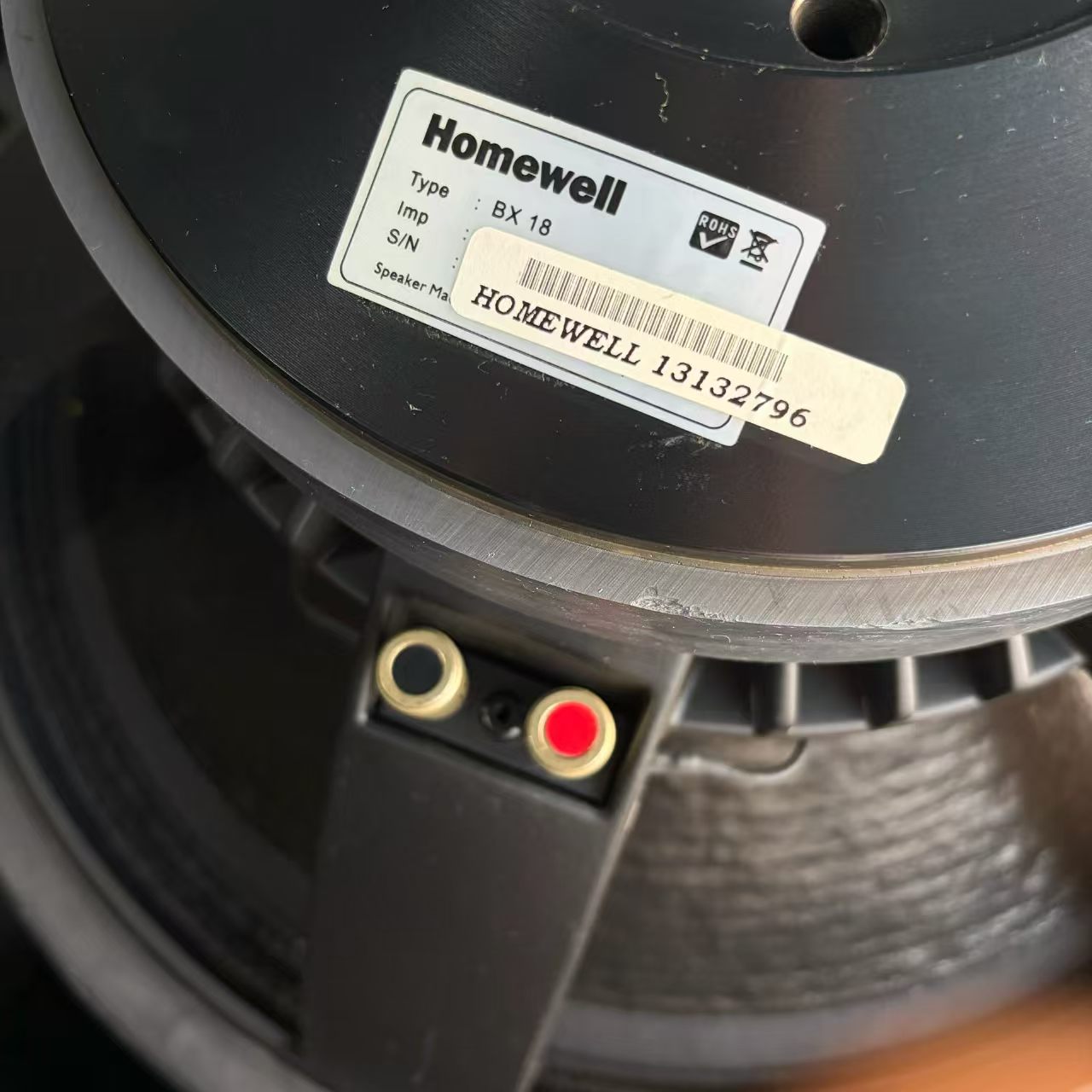
If you run line array modules such as the Meyer Sound MINA, you need delay resolution fine enough to time-align boxes across a hang. If you run subwoofers like the L-Acoustics KS28, you need crossover points and slopes that let the subs hand over cleanly to the tops without a gap or a hump. For KTV rooms with cabinets like the Homewell BX18 or generic two-way full-range boxes, the priority shifts to reliable limiting and simple preset recall, because those rooms are operated by staff, not engineers.
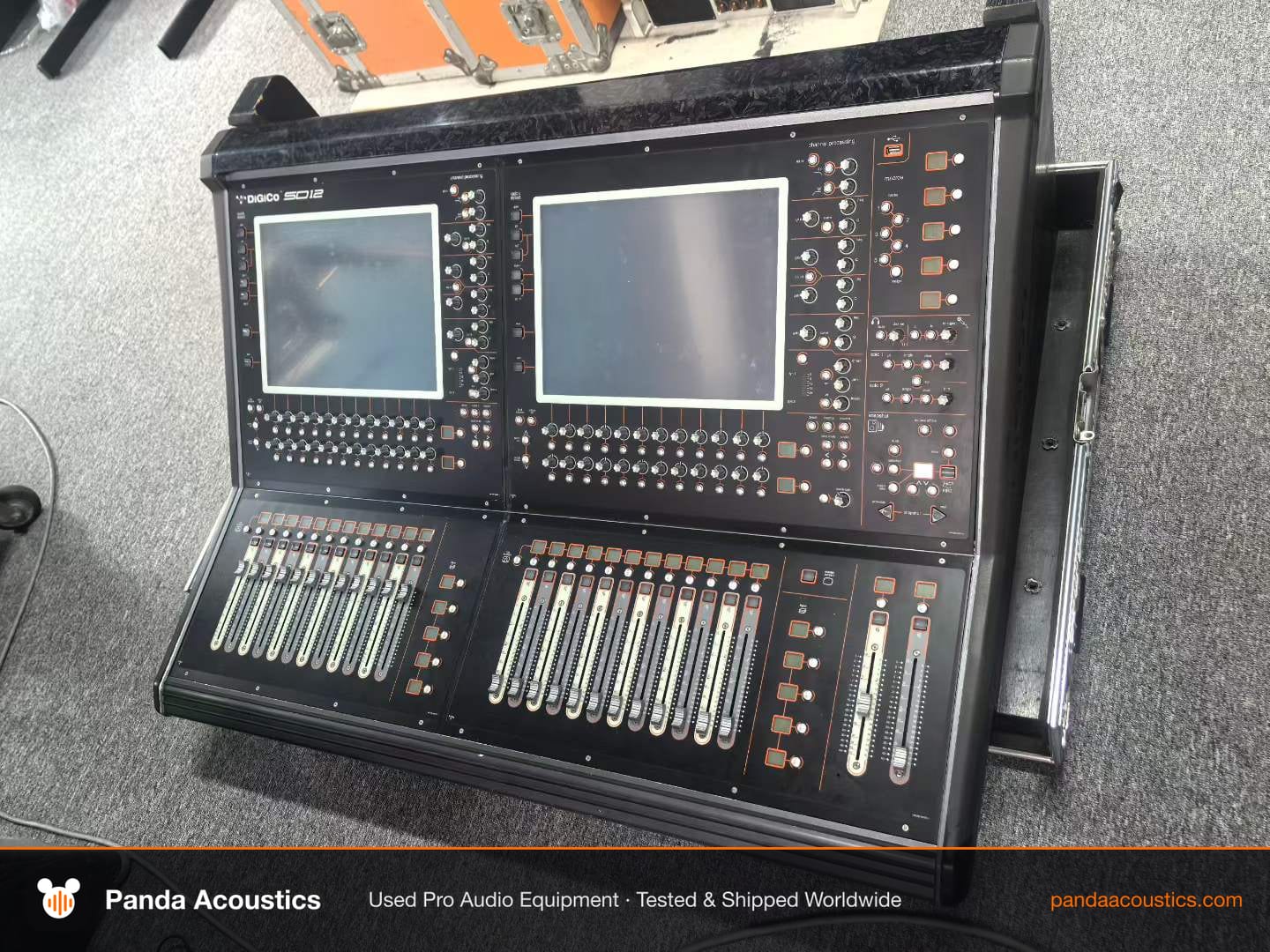
Your mixer feeds the manager, so check output format. Consoles such as the Allen & Heath SQ-6, Soundcraft Vi1 or DiGiCo SD12 give you balanced analog outputs and, depending on configuration, digital options. Confirm the manager accepts what your console sends before you commit. Analog inputs are the safest choice for mixed used rigs.
What to Inspect on a Used Unit
Used speaker management is usually reliable, but the failure points are consistent. Check the power supply first: listen for transformer hum, and confirm the unit survives a cold start and a warm restart without losing settings. Check every output individually, not just the main pair, because a dead output channel is the most common defect.
Then verify the processing actually works. Send a known signal and confirm that EQ changes are audible, that delay changes actually shift arrival time, and that the limiter engages when you push level. A unit that passes audio but does not process is a paperweight.
Check the physical side too: cracked LCDs, worn encoders, missing rack ears, and corroded connectors. Ask for photos of the rear panel. If the seller cannot show the unit powered on with a signal running through it, treat that as a warning rather than a bargain.
Buying Strategy for Volume Buyers
If you operate multiple rooms or multiple touring systems, standardise on one or two manager models. Common models mean shared presets, shared spares, and staff who only need to learn one interface. Mixed fleets look cheaper at purchase and cost more in operation.
Buy tested units with documented test results rather than untested stock. For a multi-room KTV build, buy managers in the same batch where possible so firmware and menu structure match. For touring, keep one spare manager per rack. It is the cheapest insurance in the system.
When you evaluate a seller, ask how the unit was tested, what signal was used, and whether all outputs were verified. A supplier who answers those questions specifically is a better partner than one who only quotes a price.
Where It Fits in the System
Typical signal chain: source and mixer, then speaker management, then amplifiers, then loudspeakers. If you are building a KTV system, the manager protects the room speakers and keeps vocal levels controlled. If you are building a club or touring system, it is where crossover, delay and limiting decisions live.
Before you buy, map your full system: console outputs, amplifier channels, cabinet models and counts. Then buy a manager with spare outputs. That single decision prevents most of the problems buyers bring to us after a bad purchase.