If you run a KTV, bar, or small touring setup, the Pioneer CDJ-350 is a workhorse media player that still shows up on the used market. It plays CDs, USB drives, and works as a MIDI controller. For B2B buyers in Russia, the Middle East, South America, and Africa, the CDJ-350 offers a familiar layout and reliable performance at a fraction of the cost of newer models. But buying used in volume means you need to know what to look for beyond the listing photos.
Why the CDJ-350 Still Makes Sense for Commercial Venues
The CDJ-350 is not a club-standard CDJ-2000, but it was built for bars, lounges, and mobile DJs. It has a single jog wheel, pitch fader, and basic looping. For KTV rooms where guests just need to play tracks from USB, it does the job. Touring companies often use them as backup players or for smaller stages. The key advantage is that many units were sold worldwide, so spare parts and service knowledge are still available in major cities.
When you buy used, you are not just buying a player; you are buying a piece of gear that may have been in a smoky bar for years. That means dust, sticky buttons, and worn jogs are common. But if you buy from a supplier who tests and grades units, you can avoid the worst ones. At Panda Acoustics, we test every CDJ-350 we source, but we do not publish arbitrary grades. Instead, we describe the actual condition and show test results.
What to Check Before You Commit to a Bulk Order
Never buy used CDJ-350s without a video or live inspection. Here is what matters:
1. Jog wheel response: The jog wheel should spin freely and register movement in both vinyl and CDJ modes. A sticky or unresponsive jog is a dealbreaker. Test with a known track and see if scratching or nudging works smoothly.
2. Button and fader wear: Play, cue, and loop buttons should click firmly. The pitch fader should move without resistance and hold its position. If buttons are mushy or the fader slips, expect to replace them.
3. CD and USB playback: Insert a CD and a USB drive with MP3 or WAV files. Check that the player reads the drive quickly and plays without skipping. Test both formats because some units have weak CD lasers or worn USB ports.
4. Display and lights: The LCD screen should be bright and free of dead pixels. All LEDs and backlights should work. A dim display is hard to read in a dark booth.
5. Outputs and power: Test the RCA and digital outputs. Make sure the power supply is stable and the unit does not overheat during a 30-minute run. If you are buying multiple units, test each one individually; do not assume they all work because one does.
For a deeper checklist that applies to many used players, see our guide on used Pioneer CDJ buying.
Common Issues with Used CDJ-350s and How to Handle Them
The most frequent problems are worn jog wheels, faulty USB ports, and dead CD lasers. Jog wheels can sometimes be fixed by cleaning the sensor, but if the bearing is worn, replacement is needed. USB ports often get loose from repeated plugging; a re-solder may fix it. CD lasers are the hardest to replace and may not be worth the cost if you rarely use CDs.
Another issue is firmware. Early units may have bugs with certain USB drives. Check if the firmware is up to date; Pioneer released updates that improve compatibility. If you cannot update, factor that into your offer.
Cosmetic condition matters less for function but tells you about the environment. Heavy scratches and sticky residue suggest a bar or club use. That is not automatically bad, but it means you should inspect the internals for dust and corrosion.
How to Negotiate and Buy in Volume
When you buy multiple units, ask for a video that shows each player powering on, reading a USB, and playing a track. A reputable supplier will provide this without hesitation. If they refuse, walk away. Also ask about the history: were these from a rental fleet, a fixed install, or a single owner? Rental units are often better maintained because they are serviced regularly.
Pricing for used CDJ-350s varies by region and condition. Do not trust a single price; compare listings from multiple suppliers. Remember that shipping and import duties can add significant cost, so factor those in. For import tips, see our importing used audio equipment guide.
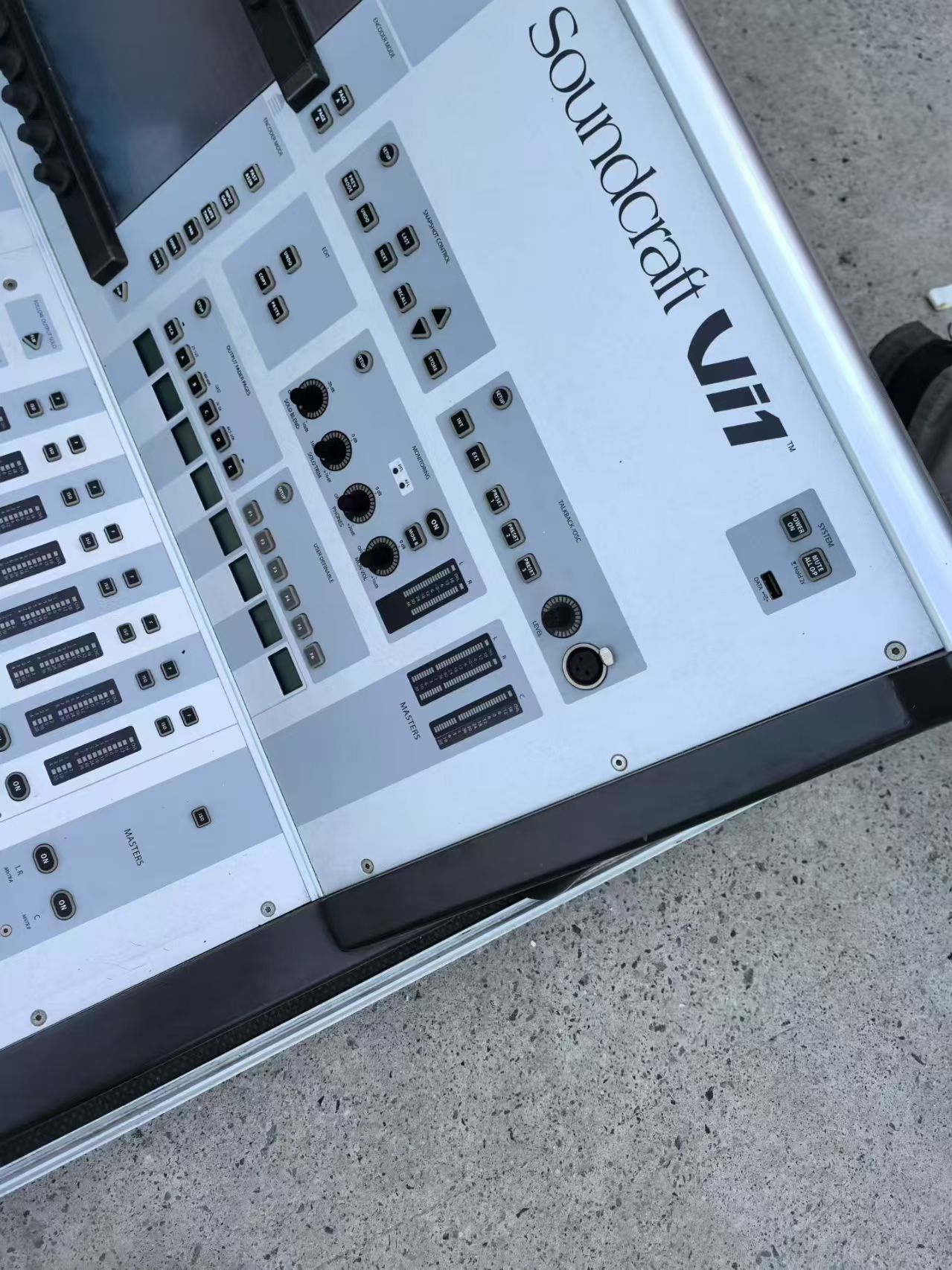
If you need a digital mixer to pair with your CDJs, consider the Allen & Heath SQ-6 or the Soundcraft Vi1. For speakers, our two-way full-range PA speaker is a solid choice for KTV rooms.
Alternatives to the CDJ-350
If you cannot find enough CDJ-350s in good condition, consider the CDJ-900 or CDJ-2000 Nexus. They cost more but offer better jog wheels and more features. We have buying guides for used Pioneer CDJ-900 and used Pioneer CDJ-2000 Nexus. For a budget option, a used DJ controller might work, but controllers are less repairable. See our used Pioneer DJ controller guide.
For a broader look at buying used Pioneer gear, read our used Pioneer CDJ buying guide.
Final Checklist Before You Pay
Before you send payment, confirm the following: you have seen a video of each unit working; you know the return policy; you have calculated total landed cost; and you have a plan for servicing any units that fail. Used gear is a risk, but with proper testing, it can be a profitable investment for your venue or rental fleet.
At Panda Acoustics, we do not sell CDJ-350s as a primary product, but we can source them as part of a larger order. Contact us with your requirements, and we will tell you what we can find. We never promise what we cannot deliver.