If you are searching for a used Pioneer CDJ-3000 for sale, you already know what it is: the current club standard media player. For KTV chains, touring sound companies, and bar installs in Russia, the Middle East, South America, and Africa, buying these used can save significant budget—but only if you know what you are looking at. This guide is written for buyers who will spend real money, often on multiple units, and who cannot afford to gamble on untested gear.
Why the CDJ-3000 Holds Value—and What That Means for Used Buyers
The CDJ-3000 is not a discontinued legacy model. It is still in production and widely used in clubs and festivals. That means the used market is driven by rental companies rotating stock, venues upgrading, and distributors clearing demo units. Prices vary by region and condition, but the key point is this: a used CDJ-3000 is not automatically a bargain. Units that have been in heavy touring use may have worn buttons, degraded displays, or intermittent USB ports. Your job is to separate a well-maintained unit from a tired one.
Because the CDJ-3000 is a digital player, condition assessment is different from analog gear. You cannot just look at the outside. You need to verify firmware, test every input and output, and check the mechanical feel of the jog wheel and cue buttons. If a seller cannot demonstrate these functions, treat the unit as untested and price it accordingly.
Critical Inspection Points for Used CDJ-3000 Units
Before you commit to a volume purchase, insist on a live video call or a recorded test sequence. Here is what to check:
Jog wheel and platter: The jog wheel should rotate smoothly with no grinding or wobble. On the CDJ-3000, the jog is touch-sensitive and also mechanical. Test both touch response and physical rotation. A sticky or unresponsive jog is a major red flag.
Buttons and faders: Play, cue, loop, and hot cue buttons should have a consistent tactile click. Worn buttons may still work but can fail soon after. The tempo fader should move without resistance and hold its position.
Display and touchscreen: The 9-inch touchscreen should respond accurately across the entire surface. Look for dead pixels, discoloration, or areas where touch does not register. Screen replacements are possible but add cost and downtime.
USB and SD ports: Bring a USB drive with music files and test both USB slots and the SD card slot. The player should read the drive quickly and play tracks without stuttering. Also test the Pro DJ Link Ethernet port by connecting two units and verifying sync and data sharing.
Audio outputs: Test the RCA and digital outputs. If you plan to use the digital output, verify it locks with a compatible mixer. Hum, noise, or channel dropouts indicate internal issues.
Firmware and software: Check that the firmware is up to date. Older firmware may lack features or have bugs. Updating is usually straightforward, but confirm the unit can accept an update.
For a broader checklist that applies to many used audio products, see our used line array inspection checklist. The principles of testing inputs, outputs, and mechanical parts are similar.
Common Issues with Used CDJ-3000 Players
Based on our experience supplying used pro audio, the most frequent problems with used CDJ-3000 units are:
Worn cue and play buttons: These are the most-used controls. On high-mileage units, the button caps may be shiny or cracked, and the underlying tact switches may be less responsive.
Jog wheel sensor drift: The jog wheel uses a sensor for touch detection. Over time, this can become erratic, causing the waveform to jump or the platter to respond inconsistently.
USB port wear: Constant plugging and unplugging can loosen the USB ports. Test with multiple drives; if the connection cuts out when you wiggle the drive, the port needs replacement.
Display delamination: Some units develop bubbles or separation between the touch layer and the LCD. This is cosmetic at first but can worsen.
Internal dust and heat damage: Touring units often accumulate dust, which can cause overheating. Ask if the unit has been cleaned internally. If not, budget for a service.
None of these issues are deal-breakers if reflected in the price and if you have access to repair. But for a volume buyer, you want to minimize the number of units needing service.
Where to Find Used CDJ-3000 Units for Volume Purchase
Sources include rental companies liquidating stock, clubs upgrading to newer models, and distributors clearing inventory. In some regions, you may find units from closed venues. Each source has different risk. Rental stock is often maintained but heavily used. Club stock may be cosmetically rough but functionally sound. Distributor demo units are usually in better condition but may have limited quantity.
When buying from overseas, factor in shipping, import duties, and voltage compatibility. The CDJ-3000 has a universal power supply, but you should still confirm the plug type and voltage range for your country. For a detailed overview of importing used audio gear, see our importing used audio equipment guide.
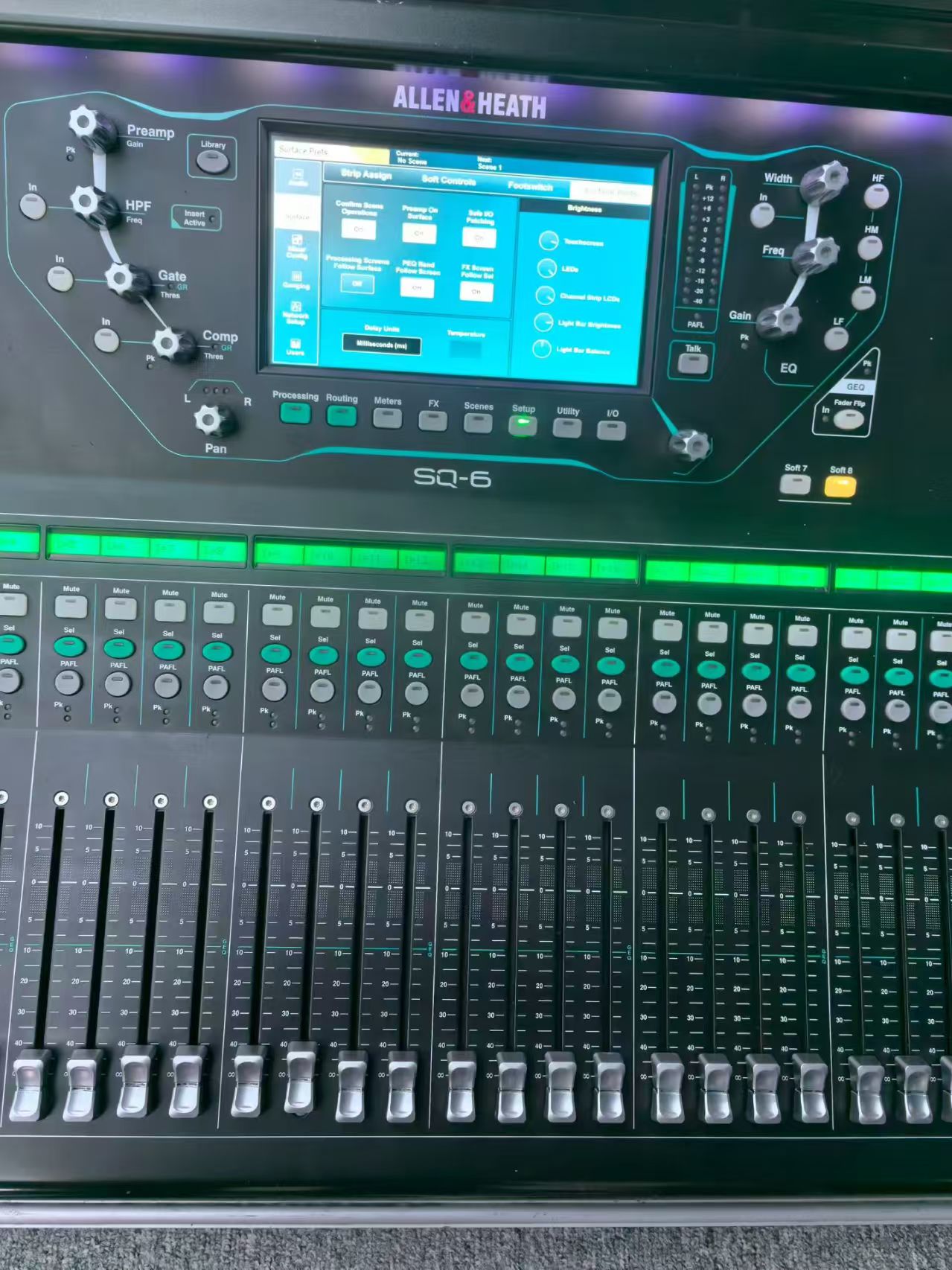
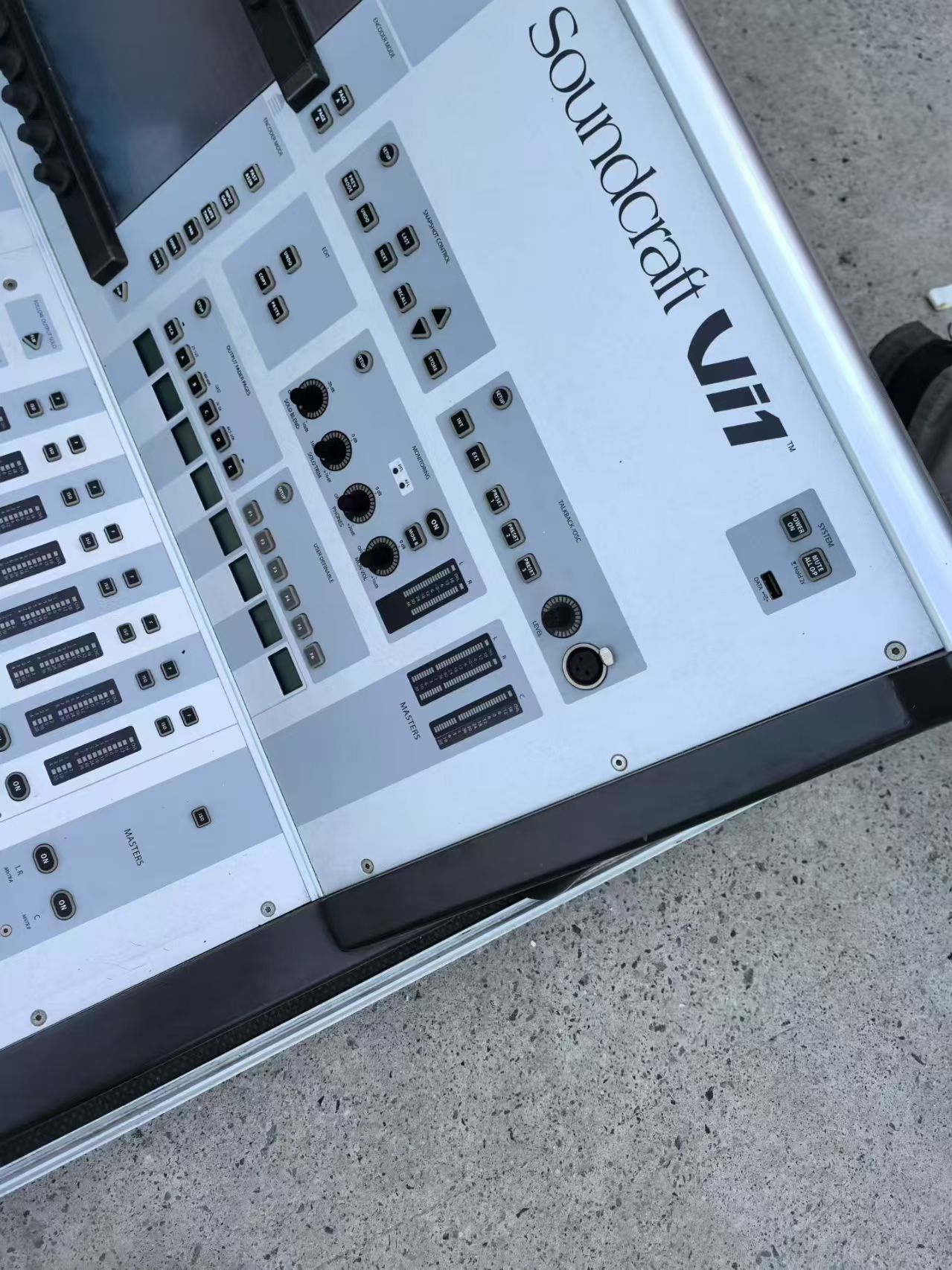
If you are building a complete DJ or KTV setup, you will also need a mixer. The Allen & Heath SQ-6 and Soundcraft Vi1 are both capable digital consoles, though they are more suited to live sound than DJ use. For DJ-specific mixers, look for a used Pioneer DJM series. Our used Pioneer DJ buying guide covers mixers and other players.
Negotiating Price and Terms for Used CDJ-3000 Units
Do not accept a price without knowing the condition grade. Ask for a detailed description of cosmetic and functional condition. If the seller grades units, ask what their grading system means. A “B-stock” unit from one seller may be a “C” from another.
For volume purchases, request a demonstration of a sample unit. If you are buying ten units, ask to test two or three randomly selected ones. A seller who refuses is hiding something. Also clarify what is included: power cable, RCA cables, USB cable, and original box. Missing accessories add to your cost.
Payment terms matter. For international B2B transactions, use a secure method and consider an escrow service if the amount is significant. Never wire money without a contract specifying condition, quantity, and recourse for defective units.
Finally, consider the total cost of ownership. A cheaper unit that needs a new jog assembly and display may end up costing more than a well-maintained unit. If you are buying for a KTV or bar installation, reliability is more important than saving a few dollars per unit. For related equipment, such as speakers and amplifiers, see our bar and club sound system solutions.